
How I Built Fully-Isolated Multi-Project Dev Networks on a Single Proxmox Host

This post documents my approach to running completely isolated Layer‑2 development networks on a single Proxmox VE host, using the built‑in Simple Zone SDN, per‑project VNets, and Pritunl VPN gateways. The goal is to provide repeatable, low‑cost, on‑prem isolated labs where projects cannot talk to each other or to the main LAN.
Motivation
I wanted separate sandboxes per project so that VMs from different projects never see each other, while still allowing administration from the Proxmox host. This avoids VLAN complexity and keeps the host manageable. I wanted expose the VMs to team through VPN as well.
Project-isolated VPNs powered by Pritunl
User management is handled through the Pritunl GUI. Clean, intuitive, and ridiculously easy to operate. Pritunl acts as the backend for generating fully isolated VPN endpoints — one per project.
- VPN-A → Only sees Project A’s VMs
- VPN-B → Only sees Project B’s VMs
- mainLAN → Completely invisible
From the GUI, you can manage everything cleanly and centrally:
Pritunl Dshboard
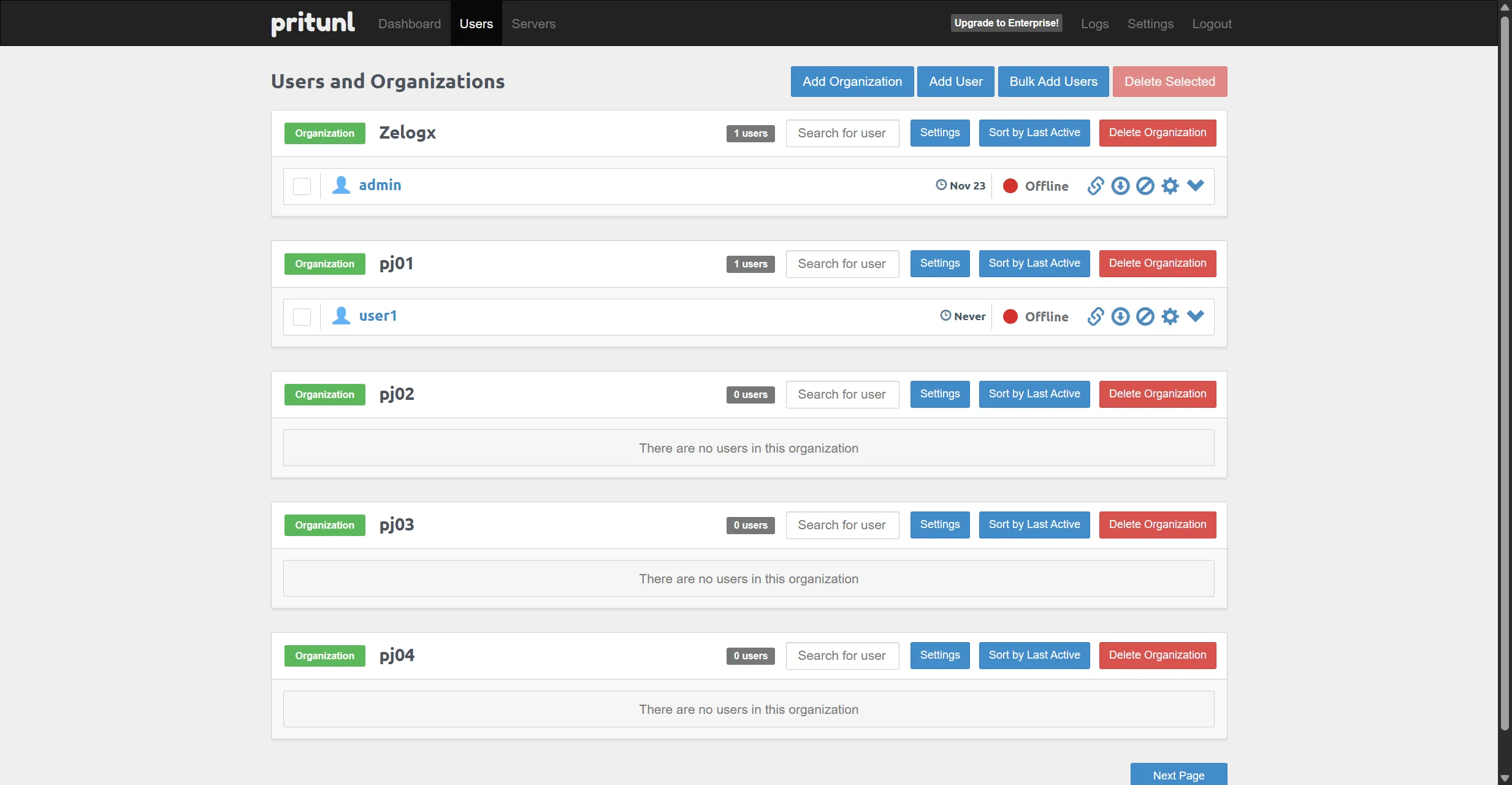
- Add / modify / suspend / remove VPN users
- Manage organizations (one org per project)
- Client VPN profiles are auto-generated on user creation
- Download the config directly or share a download link
Attach organization to VPN server
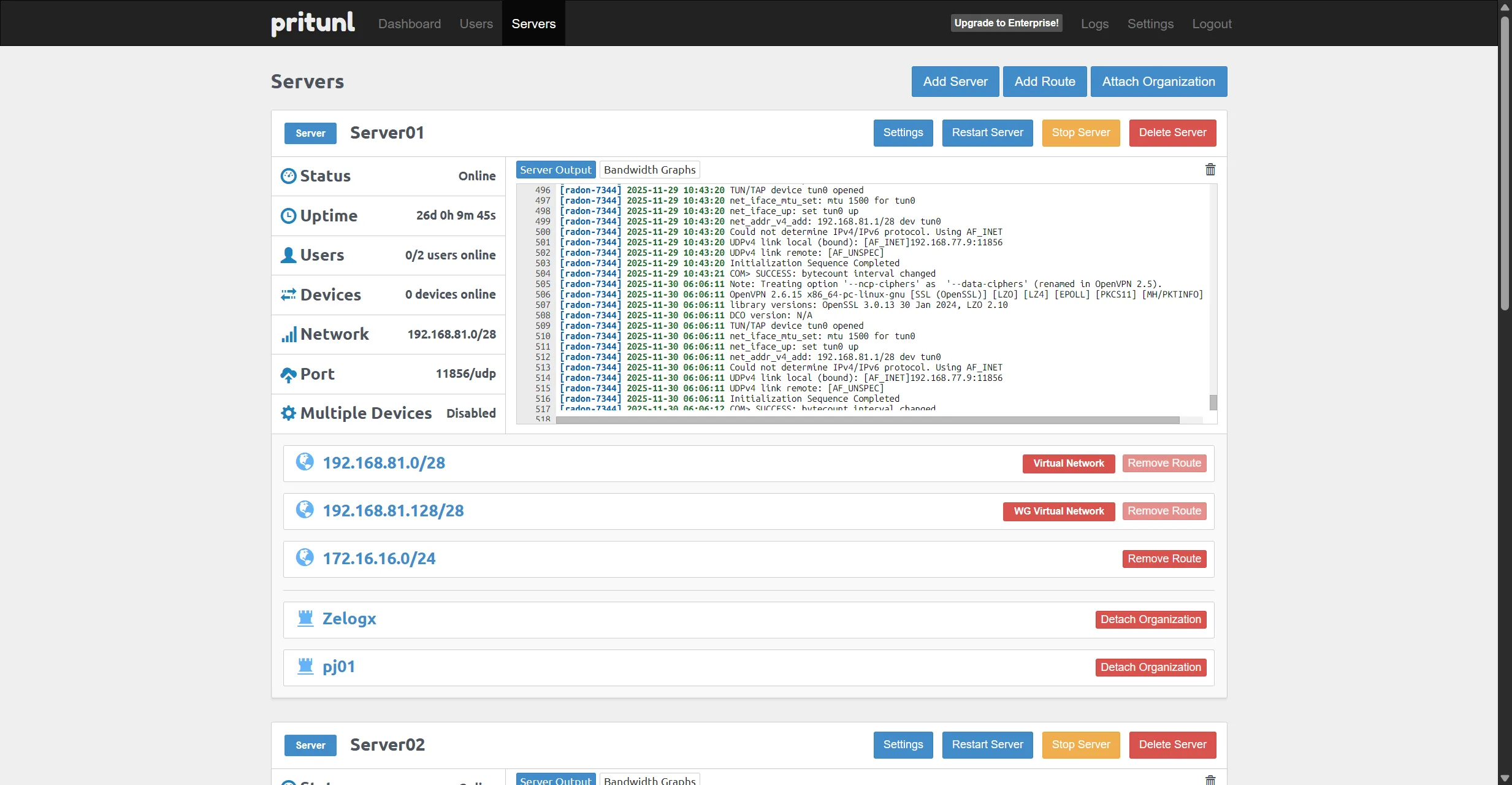
- Assign organizations to their dedicated per-project VPN server
- Start/stop VPN servers per project
- Each VPN server maps cleanly to its own isolated VNet (project LAN)
VPN configuration and VPN Traffic

Tips & Notes
- Keep firewall/security group rules simple: deny by default, allow explicitly per project management ports.
- Use backups (Proxmox Backup Server) and UPS for resilience.
Imported from the original ServeTheHome forum post by masa-555 (Dec 2, 2025). Images referenced in the post were embedded inline — three images are expected and should be placed in src/content/blog/images with the filenames used above.