
Is Your Dev Lab Really Secure? Announcing the Dev Lab Network Security Video
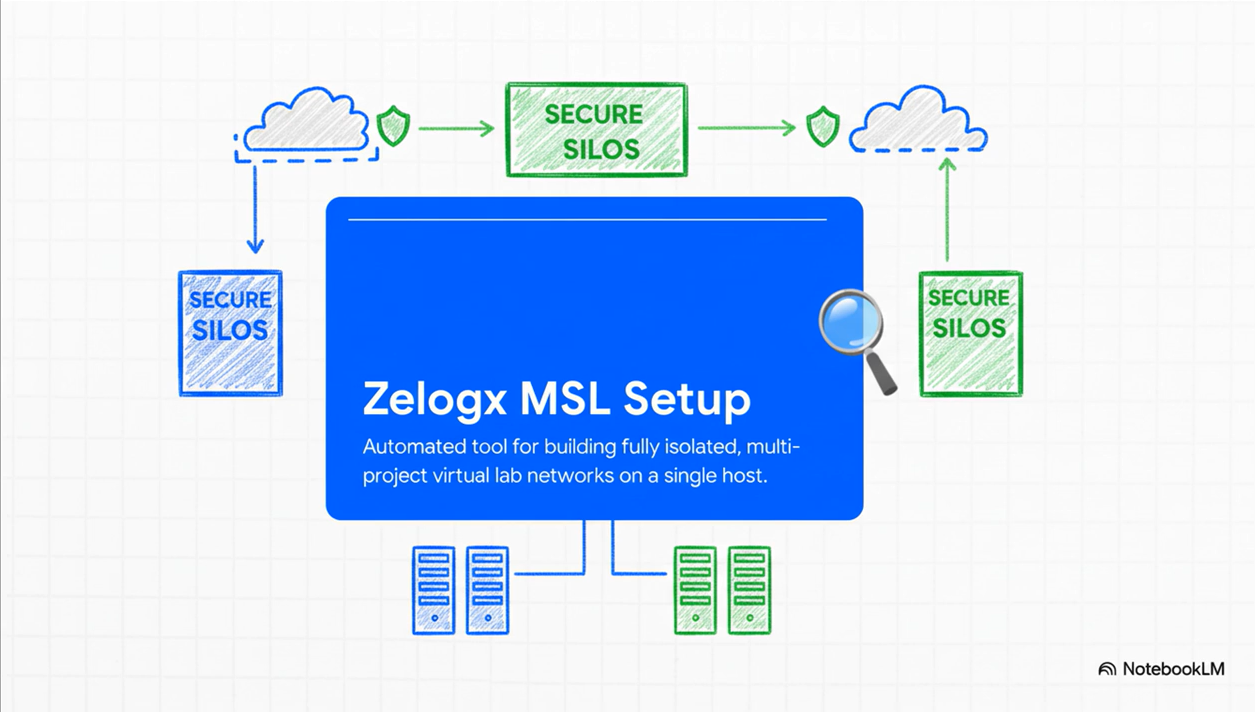
What this post is about
Dev and test labs often end up looking like this:
- one physical or cloud server
- a hypervisor on top
- a single bridge everyone shares
- VPN access handed out to developers and partners
It works. It is convenient.
But from a security and compliance perspective, this is a very fragile design.
In this video, “Dev Lab Network Security”, I walk through:
- why this “typical” lab layout is risky,
- how proper network isolation changes the story, and
- how Zelogx MSL Setup automates that secure pattern on a single Proxmox host.
Watch the video here:
https://youtu.be/GOOUNnBLp40
What is happening in most dev labs today
Frameworks like ISO/IEC 27001, NIST SP 800-53 and various national / industry guidelines generally assume that:
- dev and test environments are in scope for information security, and
- project-level access control and network separation are important.
In reality, many Proxmox-based labs look more like this:
- one Proxmox or other hypervisor host
- a single flat bridge such as
vmbr0 - VM for Project A, B, C… all plugged into the same L2 segment
- VPN users landing directly on that shared network
It is fast and flexible, but effectively becomes “one big open room where every project can see every other project.”
Main themes covered in the video
1. Flat networks and the risk of VM hopping
In the first part of the video, I start from the “common sense” setup and then show:
- why putting everything on one flat bridge is dangerous,
- how a user or compromised VM from Project A can start exploring Project B,
- and how this leads to VM hopping and lateral movement.
The analogy is:
You wanted to give a partner a key to one apartment (their project),
but the flat lab effectively gives them a master key to the whole building.
From the point of view of ISO 27001, NIST SP 800-53, and stricter financial / automotive guidelines,
that is a clear red flag.
2. The “ideal” state: project-level isolation
Next, the video moves to what a more secure design looks like:
- each project gets its own isolated SDN zone / VNet,
- each zone has its own firewall rules, and
- VPN access is separated so that users only land inside “their” project.
In that world, Project A and Project B cannot even see that the other one exists on the network.
The idea is essentially a “siloed, multi-project lab” where each project has its own bubble.
3. Why doing it all by hand does not scale
If this “ideal state” is known, a natural question is:
“Why doesn’t everyone just build labs like this from day one?”
The video touches on the reasons:
- L2/L3 design on the hypervisor is non-trivial,
- SDN wiring, firewall policies and IP plans need design and testing,
- VPN server setup and per-user client config management are heavy,
- and auditors often expect documentation and evidence on top.
The result is:
Teams know this is the right pattern,
but in practice they do not have the time to hand-build it for every project.
What Zelogx MSL Setup automates
In the second half, the video shows how Zelogx MSL Setup is meant to automate that “ideal pattern”.
On a single Proxmox host, MSL Setup aims to:
- create project-isolated SDN + VNets automatically,
- define firewall groups per project,
- deploy a Pritunl-based VPN foundation,
- prepare per-project VPN users and client config templates, and
- attach documentation and diagrams directly into Proxmox Notes.
The goal is that what used to be days or weeks of design and manual work
turns into a repeatable 10–20 minute flow, including documentation.
Instead of:
“We know we should do this, but we never have the time,”
the idea is to move toward:
“It is automated, so we can afford to do it for every project.”
Who this video is for
This video is mainly aimed at:
- infra / SRE / IT teams running dev or test labs on Proxmox,
- engineering leaders who want project-level isolation but cannot justify weeks of manual work,
- CTO / CISO / security owners who need dev environments to align with
ISO 27001, NIST SP 800-53 or industry-specific security guidelines.
In roughly 5–8 minutes, the video gives a high-level view of:
- the hidden risk in “flat” dev labs, and
- where Zelogx MSL Setup fits as an automation framework.
Watch the video here:
https://youtu.be/GOOUNnBLp40
What’s next
In future posts, I plan to cover topics like:
- a deeper look at the internal design of MSL Setup
(Proxmox SDN, Pritunl, firewall model), - how a “single-host PoC lab” can evolve toward more production-like layouts, and
- common pitfalls when teams try to secure dev labs after the fact.
Anyone interested in these ideas might find it helpful to explore the rest of the site and the documentation linked from the homepage.